1. In General Settings, choose Turn On SMS
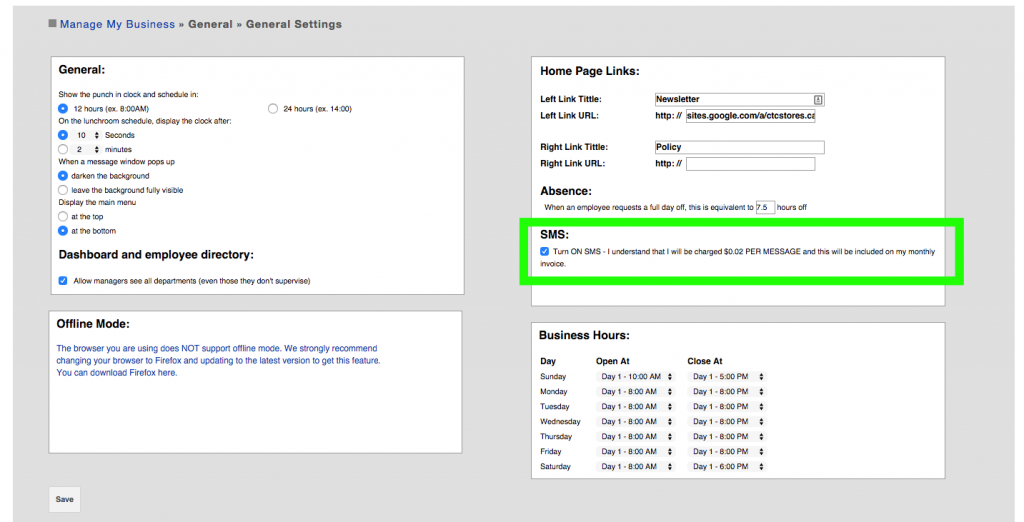
2. Once this option is configured, Alerts may be set for each employee.
In Manage My Business > Genereal > Manage My Employees > Edit employee, choose the SMS option in the Alerts panel.
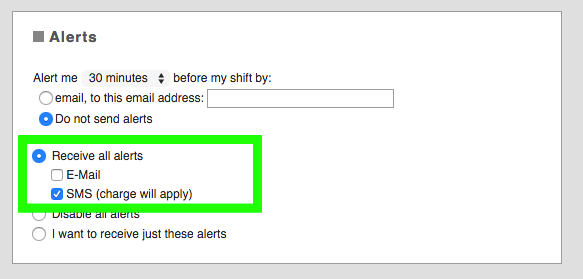
There are three options to receive alerts:
- Receive all alerts: The employee receives all alerts
- Disable all alerts: The employee receives none of the alerts
- I want to receive just these alerts: The employee receives selected alerts
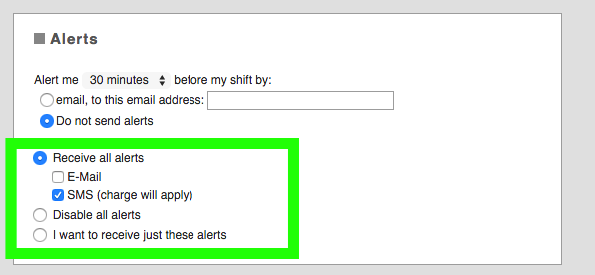
3. If the employee chooses I want to receive just these alerts, options appear.
Choose the messages you wish this employee to receive.
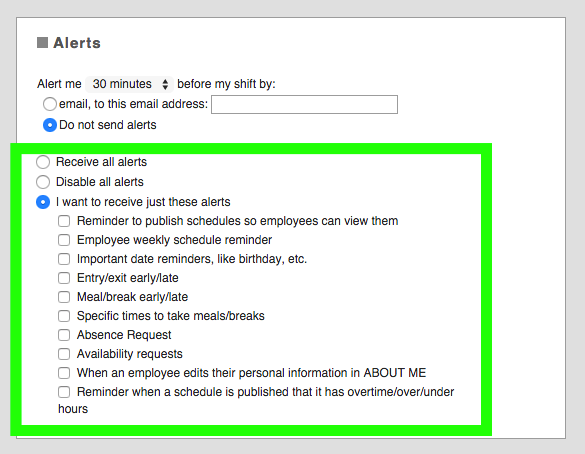
Description of the alerts :
- Reminder to publish schedules so employees can view them: Sends a mail to the supervisors of each department to inform them that they have not published the schedule for the next week
- Employee weekly schedule reminder: Sends an email with the schedule detail of the coming week. Configure dates and time to have an email sent out when you want.
- Important date reminders, like birthday, etc.: Sends a reminder of important dates for each employee, to the employee and the employee’s supervisor
- Entry/exit early/late: Sends an alert to the supervisor with details of who arrived to work late or who arrived to work early.
- Meal/break early/late: Sends supervisors an alert when an employee is late returning from their meal or break
- Specific times to take meals/breaks: If timeband and template options have been set up, this will send employees a message regarding their scheduled meal time.
- Absence Request: The absence module is send to all the supervisors
- Availability requests: The availability module is send to all the supervisors
- When an employee edits their personal information in ABOUT ME: Sends an email to the supervisor, if the employee modifies any personal, email or phone info
- Reminder when a schedule is published that it has overtime/over/under hours: Sends an email to the supervisors letting them know that publishing the schedules there is overtime/under/over
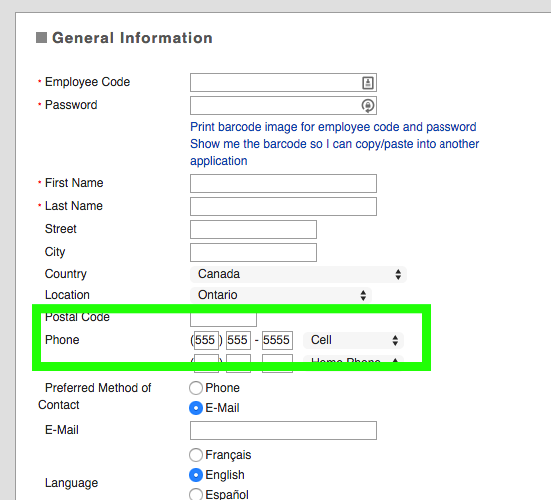
4. Be sure the employee has a phone number added to their General Information and press Save.
You now have SMS enabled for this employee.