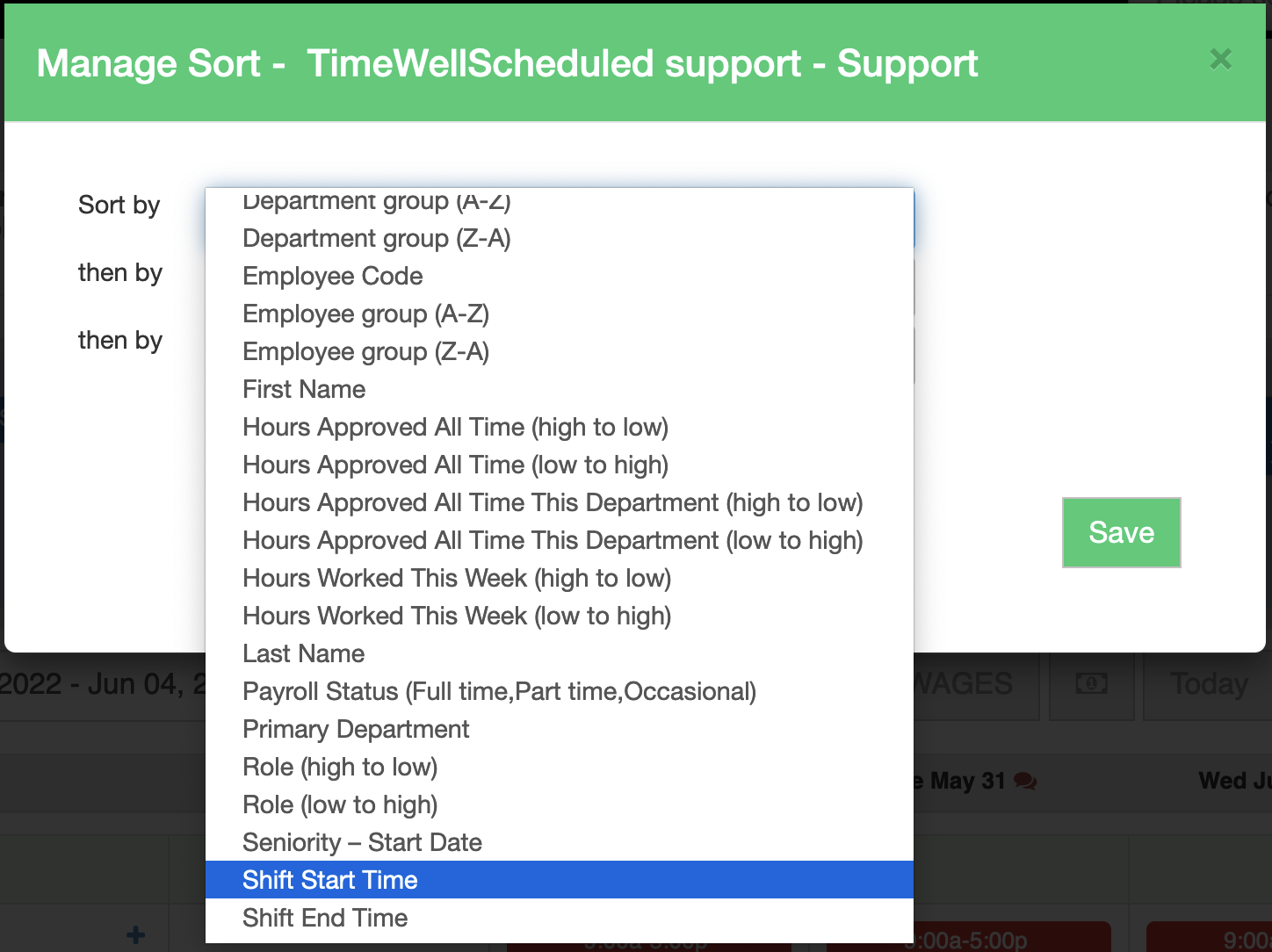
We’ve added 2 new sort options to the schedule screen to help you show the schedule in the order you need:
Shift Start Time
Shift End Time
This layout puts the early shifts at the top or bottom as shifts are added.


We’ve added 2 new sort options to the schedule screen to help you show the schedule in the order you need:
Shift Start Time
Shift End Time
This layout puts the early shifts at the top or bottom as shifts are added.

We've added a section on the vital signs for you to enter and collect the AVG SALES PER CUSTOMER.

We’ve added a feature on the WHO’S WORKING page to allow you to quickly message your team or their emergency contact...

If you want an automatic punch option, you can enable this feature with barcode scanning. You can setup the barcode...
Quickly create, edit and oversee scheduling with ease.