
1-877-689-7977 [email protected]

UPDATE on New COVID Screen Requirement

February 26, 2021
TimeWellScheduled


The Ministry Of Ontario announced a change that requires staff to perform the COVID check BEFORE they arrive at work. We’ve updated TimeWellScheduled to handle this and here are the steps:

  1. Log into your TimeWellScheduled instance
  2. Go to MANAGE MY BUSINESS
  3. Locate your ‘Employee URL’ on the left side (it should be similar to https://my.timewellscheduled.com/default.asp?company=xxx)
  4. Send that to staff

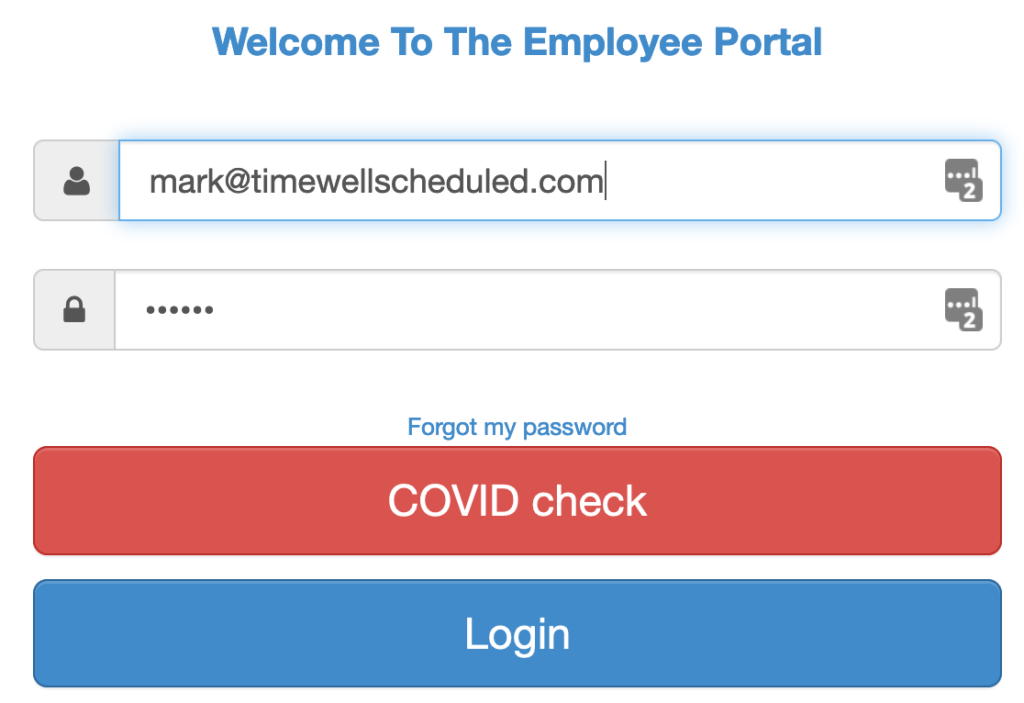
On the EMPLOYEE url page, your staff will see a new button that will work the same as before when they clocked in. That’s all you need to do.

New Features

New Features

Over the weekend we’ve added a few new features: HR Suite – Asset Tracking You can now check in assets from the WHO’S WORKING BOARD Go to WHO’S WORKING Go to the employee, click on the drop down Pick MANAGE ASSET TRACKING You can use this screen to check the item in...

read more

Scheduling and Time-clock Software for Today’s Needs

Quickly create, edit and oversee scheduling with ease.

Scheduling and Time-clock Software