If you don’t want to show a specific punch alert (ex. When an employee punches back early from break or meal) you can disable by going to MANAGE MY BUSINESS, GENERAL SETTINGS
This section will let you hide those popups:
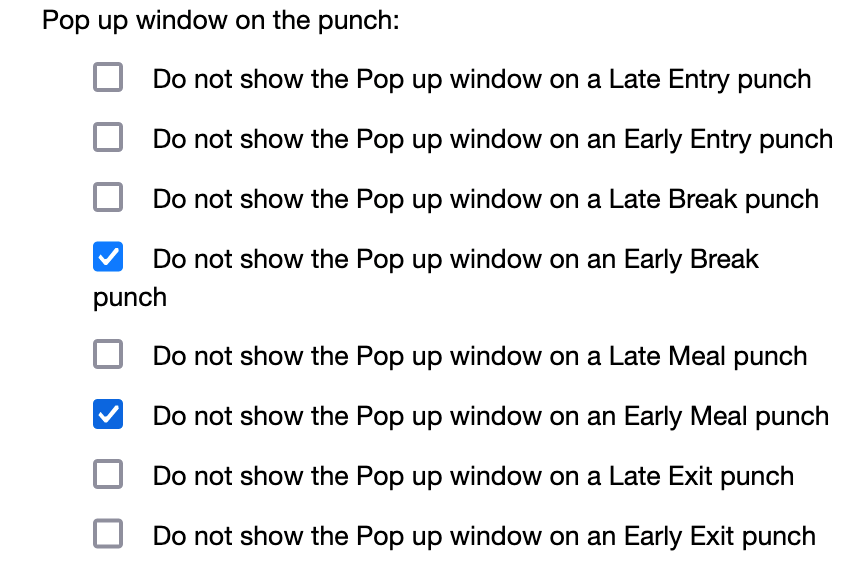

If you don’t want to show a specific punch alert (ex. When an employee punches back early from break or meal) you can disable by going to MANAGE MY BUSINESS, GENERAL SETTINGS
This section will let you hide those popups:
If your company doesn’t punch for paid breaks (or paid meals) then you can hide the punch button under MANAGE MY...
We added a new alert you can enable to receive an alert any time an employee punches. You can enable under MANAGE...
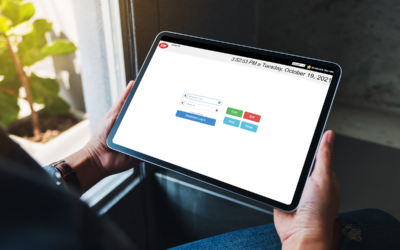
If you want to hide the DASHBOARD button so staff can ONLY punch in and out, follow these steps.
Quickly create, edit and oversee scheduling with ease.