TimeWellScheduled now offers a visual Charting report to give more info on Hours, Wages and Absences.
To visit, go to Time Card & Payroll >> Charting
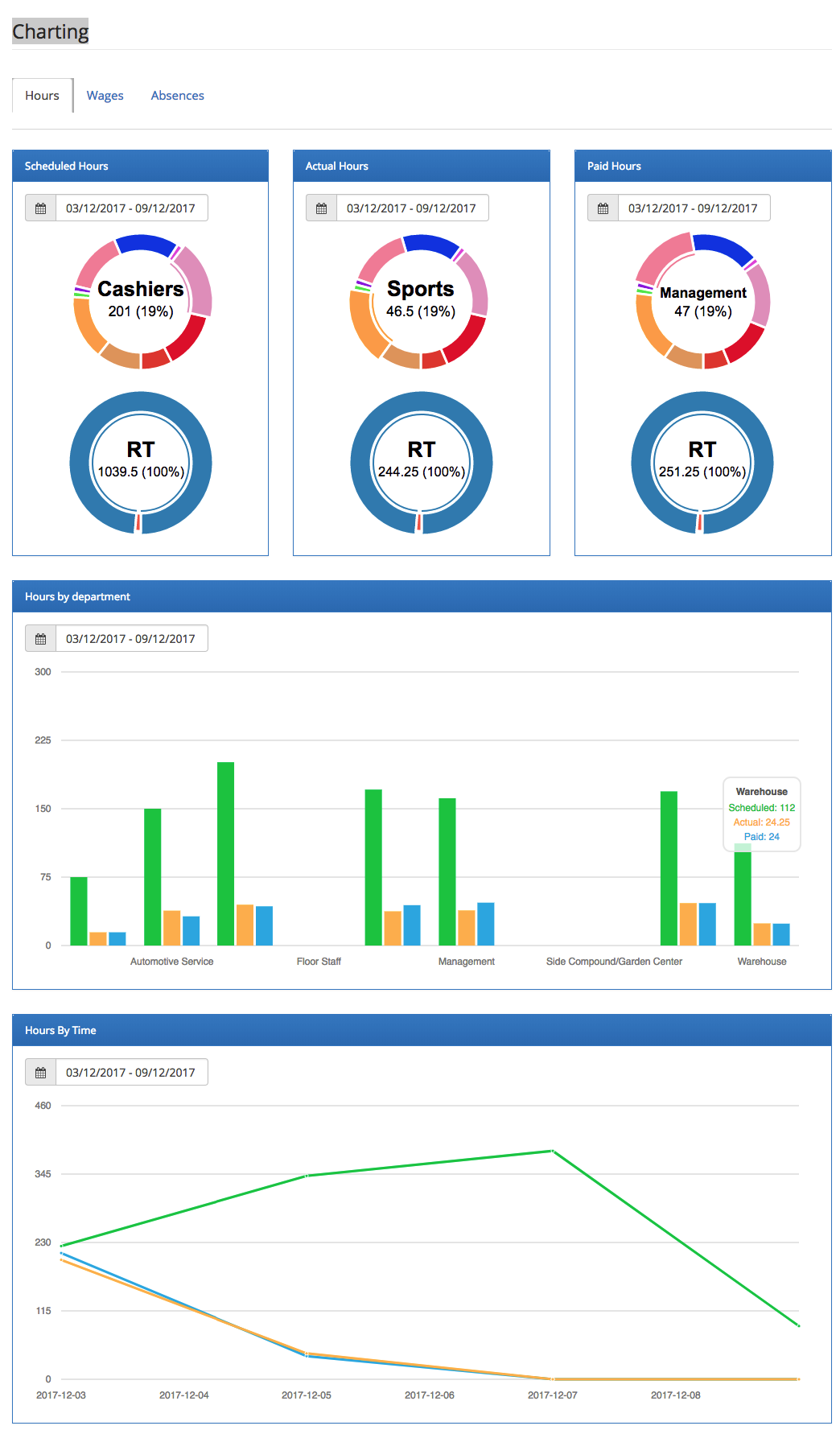

TimeWellScheduled now offers a visual Charting report to give more info on Hours, Wages and Absences.
To visit, go to Time Card & Payroll >> Charting

When creating an asset, you can now pick the department the asset belongs to. In this case, only specific departments...

We added a new alert you can enable to receive an alert any time an employee punches. You can enable under MANAGE...

Over the last week our team has been working on solving performance issues on our servers. Several factors have caused...
Quickly create, edit and oversee scheduling with ease.